Sell the services you provide.
Give resellers a way to order.
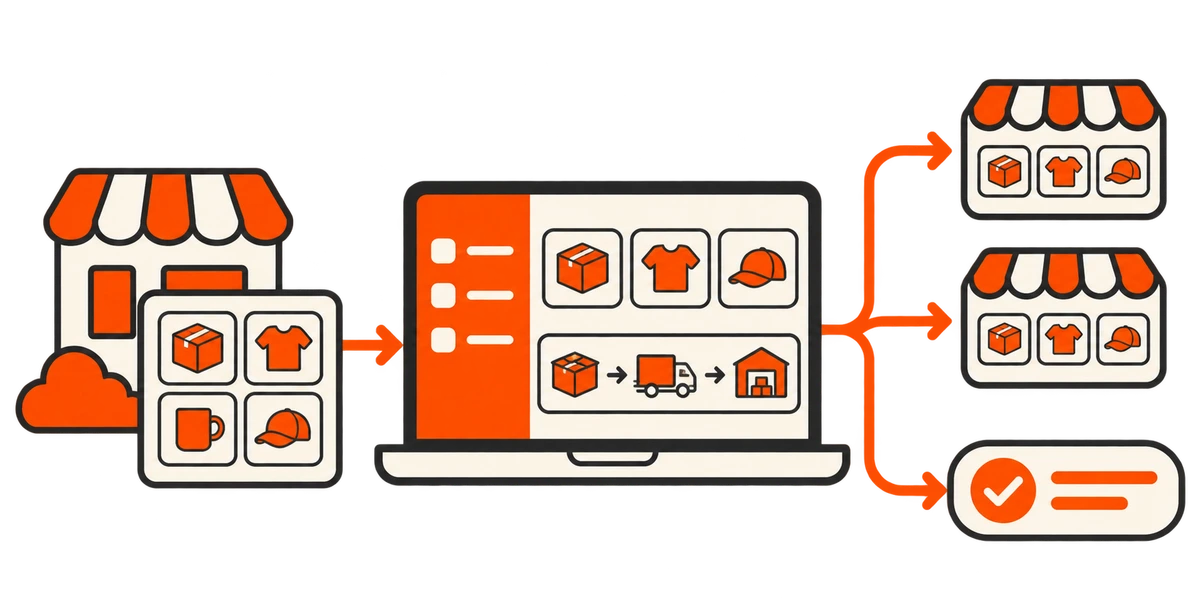
Turn your own services into a catalog other panels and customers can order from. Manage fulfillment from the admin panel and give eligible resellers access to your rates and order updates through the customer API.
- Every platform feature included
- From $5 / 30 days
SMM panel for service providers
From your catalog
to their next order.
- 01
Publish what your team can fulfill
Create service listings with clear inputs, quantities and delivery terms. Set limits your team can handle and decide which services you fulfill manually.
- 02
Set up your first reseller account
Agree the services, rates and follow-up terms. Configure account-specific prices where needed and check the effective rate before accepting orders.
- 03
Test the order from both sides
Have the reseller place a small order through the storefront or supported API. Match their order reference with the record your team sees and check the status returned to the buyer.
- 04
Define who owns follow-up
Assign fulfillment and support responsibilities. Agree when to accept a refill, handle a partial delivery or update a reseller about an order your team cannot complete.
The tools behind
the business.
| Area | What to expect |
|---|---|
| Your own services | Create listings for services you fulfill manually. A panel can also combine them with services supplied by compatible providers. |
| Reseller access | Eligible accounts can use the customer API to place orders and check supported updates. Use your panel’s API documentation when onboarding a partner. |
| Wholesale rates | Configure account-specific service prices and check the effective price and balance deduction with a low-value test order. |
| Fulfillment and staff | Use the available admin order controls and staff permissions to organize fulfillment and customer support. |
BEFORE YOU START
SMM panel for service providers
Your questions.
Setup, scope and the details behind the workflow.
Do I need an upstream provider API for services I fulfill myself?
No. You can use manually processed service listings for your own fulfillment. An upstream API is useful for services you purchase from another provider.
Can another panel order from my catalog?
Eligible reseller accounts can connect through the supported customer API. Check service IDs, pricing and status behavior together before going live.
Can I combine my own services with outside suppliers?
Yes. Your catalog can mix manual services and compatible provider-backed services. Make sure your team knows which fulfillment route each listing uses.
Can I move an existing provider catalog?
Ask for a free migration review. We check the source records and service mappings before confirming what can transfer.
YOUR BRAND. YOUR CUSTOMERS. YOUR PANEL.
See what your
SMM panel can do.
Explore the storefront your customers will use and the admin tools behind it. Every feature is included, starting with Plan A.
- Every feature included
- Free migration
- No setup fee